
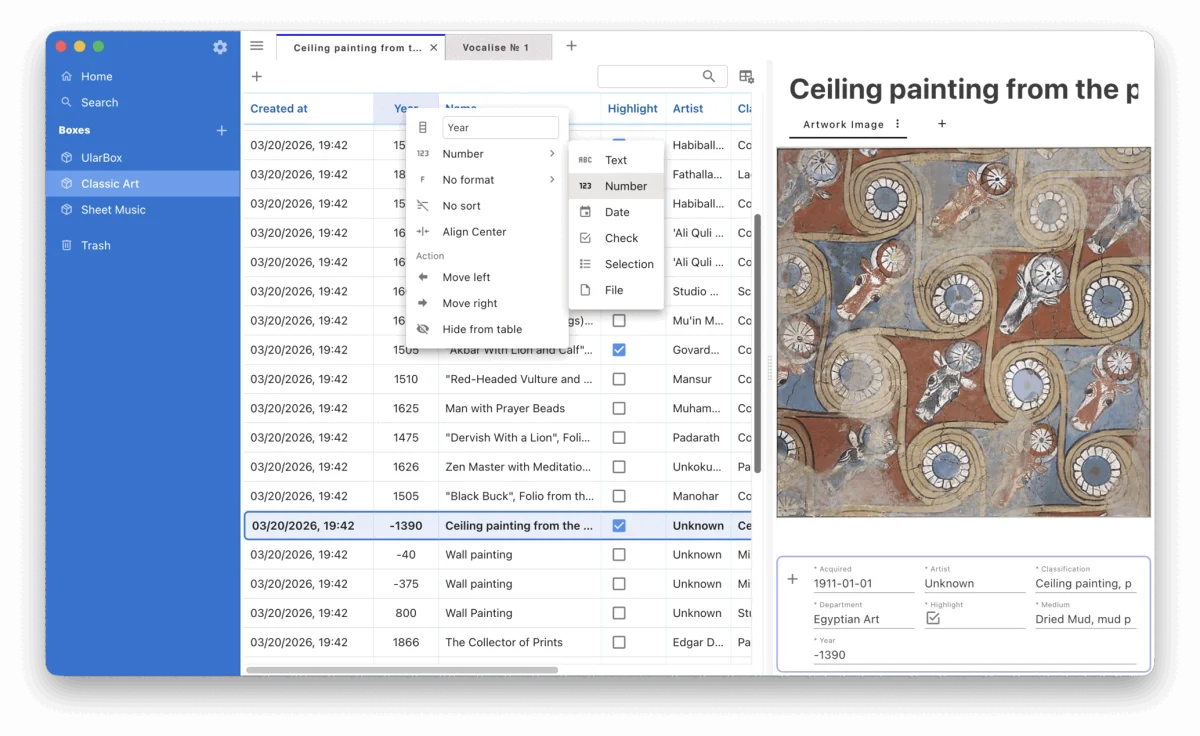
UlarBox
Organize files in tables, add your own fields, and preview documents and media in place.
Explore UlarBoxUlarMark for Mac
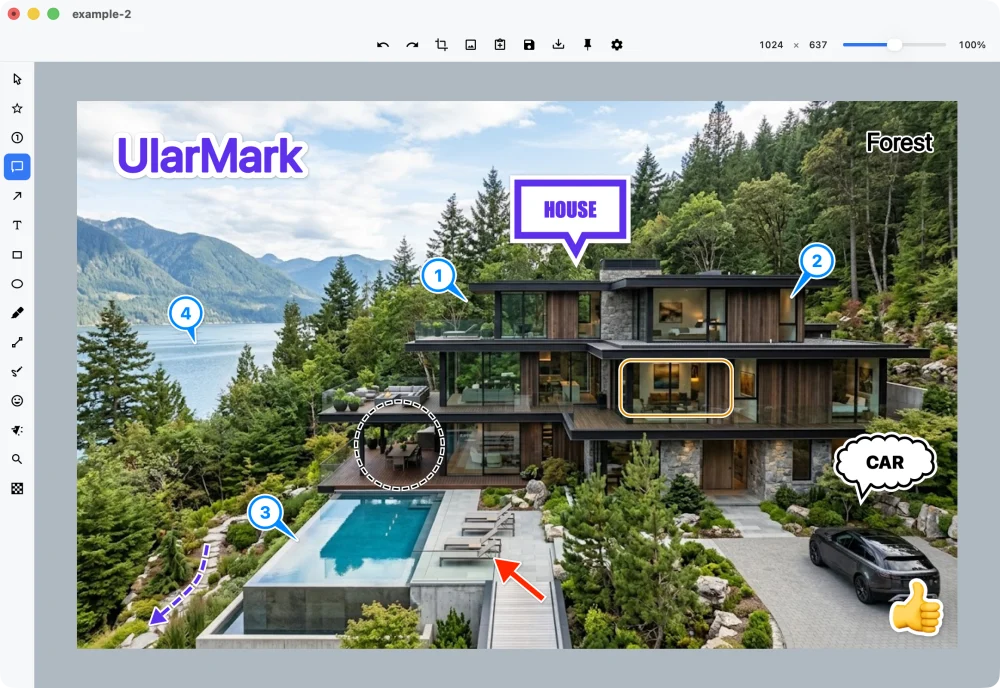
Add arrows, notes, and numbered steps to a screenshot. Save an editable UlarMark document to make changes later, or export a PNG to share.
In this example, Screenshot settings moves from General to Sharing. Select Before or After to see how the numbered instructions change.
To edit your own annotations, reopen the .ularmark document and export a fresh PNG when you’re done.
Organize files in tables, add your own fields, and preview documents and media in place.
Explore UlarBoxMake screenshots easier to follow with notes, numbered steps, and editable markup.
Explore UlarMarkPut a term, an example, and a common mistake on one card. Review them with spaced repetition.
Find past coding sessions and check your Git worktrees from the terminal.
Search and resume past sessions from Claude Code, Codex, and Antigravity.
ular-s7s on GitHubs7s demoSee changed files, unpushed commits, and worktrees across multiple Git repositories.
ular-git on GitHubular-git